
Key takeaways
- Store tax rules on a product type (with category and product overrides), not on each product by hand – new products then inherit correct HSN and GST automatically.
- Calculate the final price, discounts, shipping and GST only on the server; the browser total is a preview, never the truth.
- Use CGST + SGST when the delivery state equals the seller's state and IGST otherwise – decided from the delivery address at checkout.
- Give the invoice its number only when the order is confirmed, from an atomic counter, so the series has no gaps and no duplicates.
- Treat payment webhooks as one signal among several: verify them, and run a background reconciler for payments that never reported back.
In this article
- What went wrong with the old store
- Step 1: put tax rules on a product type
- Step 2: price the order on the server, every time
- Step 3: CGST + SGST or IGST
- Step 4: invoice numbers without gaps
- Step 5: payments that never get lost
- What the invoice PDF contains
- Lessons we now apply to every store
- Do you need a custom store for this?
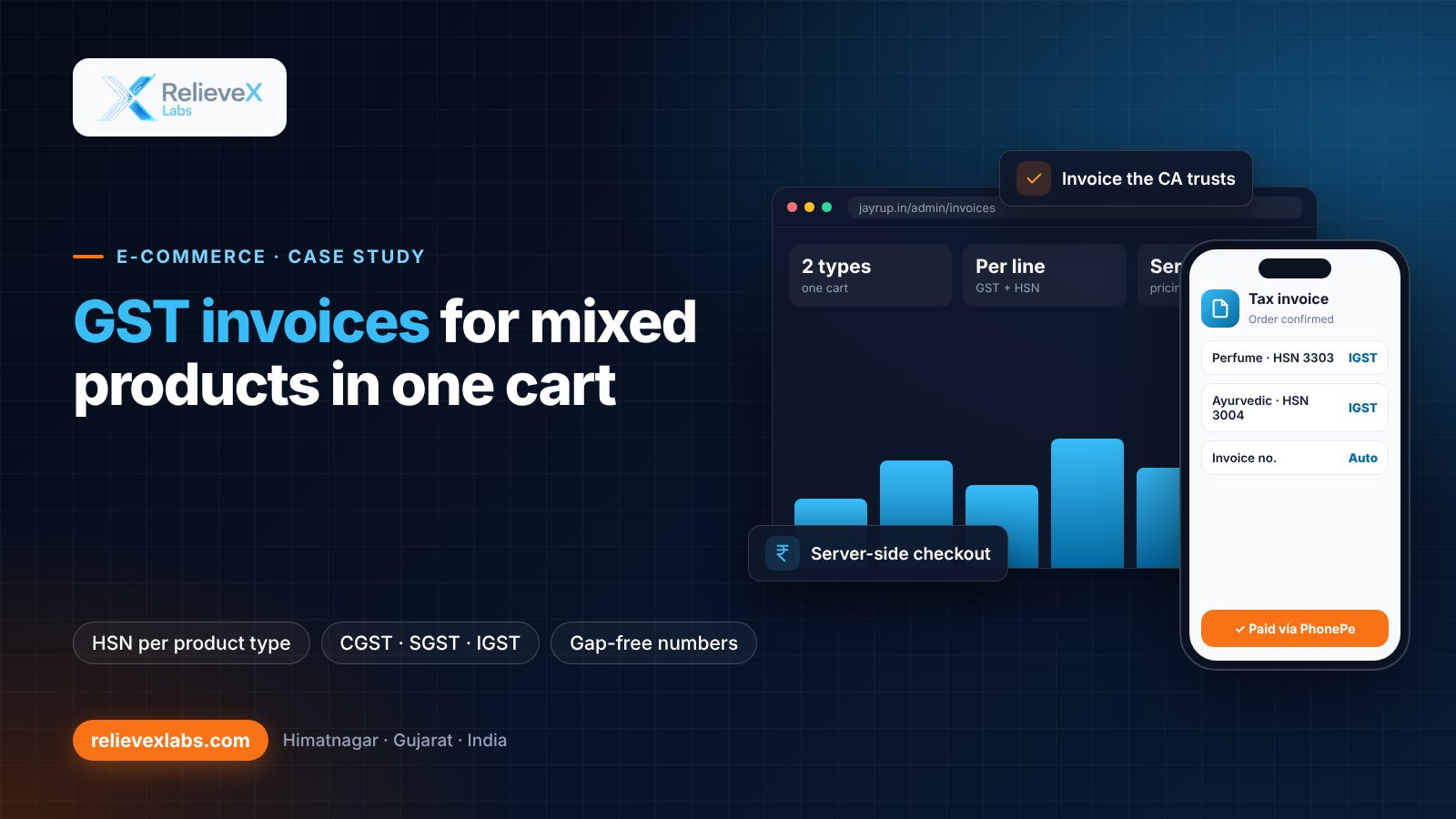
Jayrup started as a WordPress and WooCommerce store with one product, Jayrup Pimples Cream. Then the brand launched Royal Flora Eau de Parfum. Overnight the store had to sell an Ayurvedic medicine and a perfume in the same cart – and the two do not share an HSN code, a GST rate, a courier or a return rule. This article explains how we rebuilt the store so that every invoice is correct, and the design decisions we would repeat for any Indian brand selling more than one kind of product.
A quick note before we start: we are software developers, not tax consultants. The rates and rules in your store must come from your chartered accountant. What we can show is how to build software where those rules are easy to set, hard to get wrong and visible on every invoice.
What went wrong with the old store
The WooCommerce setup treated every product the same way. That is fine for one product, but with two product families it caused three problems:
- One tax rule for everything. The invoice plugin applied a single rate, so a mixed order produced an invoice the accountant could not use.
- Shipping did not know about the product. Perfume has to travel by surface courier, which changes delivery times and sometimes the courier itself, while the cream can go by air.
- Totals came from many plugins. Coupons, COD fees and shipping were each added by a different plugin, so there was no single place that decided the final amount – and no easy way to prove it was right.
We could have added more plugins. Instead the client chose a custom store: a React storefront and admin panel with a Node.js, Express and MongoDB API. The rest of this article is the tax and checkout part of that build.
Step 1: put tax rules on a product type
The single most useful decision was to introduce a product type. Every product belongs to one type – for Jayrup, "fragrance" and "Ayurvedic medicine" – and the type carries the rules that normally get copied by hand onto each product:
| Rule | Where it is set | Example use |
|---|---|---|
| HSN code | Type, category or product | Printed on every invoice line |
| GST rate | Type, category or product | Decides the tax on the line |
| Shipping rule | Type | Surface-only for perfume |
| Return rule | Type or product | A different return window per product family |
The lookup order is product, then category, then type. Most products never set anything themselves; they inherit from their type. A special product can override a single value without breaking the rest. When the brand adds a third product family, the owner creates a new type in the admin panel and every product in it is taxed correctly from the first order – no developer needed.
We also store a snapshot of the resolved HSN code and rate on each order line. If the accountant changes a rate next year, old invoices still show the rate that applied on the day of sale.
Step 2: price the order on the server, every time
The cart in the browser shows a live total so the customer knows what to expect, but that number is only a preview. When the customer presses "Place order", the API receives just the product ids, quantities, coupon code and address, and recalculates everything:
- Current product prices and stock from the database.
- Coupon rules (minimum value, product types allowed, usage limits).
- Shipping from the zone of the PIN code: Gujarat, rest of India or remote regions, each with its own fee, delivery days and a switch for Cash on Delivery.
- COD fee and order limits, plus PIN codes that only allow prepaid orders.
- GST per line from the resolved rate.
Only this server total is sent to the payment gateway. A customer who edits the page, or an old browser tab with yesterday's price, cannot create an order with a wrong amount.
Step 3: CGST + SGST or IGST
For an online store shipping goods to customers, the delivery address normally decides the place of supply. Our checkout therefore compares the delivery state with the seller's registered state:
- Same state (a customer in Gujarat for a Gujarat seller): the line tax is split equally into CGST and SGST.
- Different state: the full amount is IGST.
The split is done per line and rounded per line, then totals are added per rate so the invoice summary matches the lines exactly. Rounding is the part people underestimate: if you round only the grand total, the per-rate summary drifts by a paisa or two and accountants notice.
The engine can also issue a Bill of Supply instead of a Tax Invoice when the seller's registration requires it, and it supports switching from GST-inclusive to GST-exclusive prices in future without rewriting the checkout.
Step 4: invoice numbers without gaps
Invoice series should be continuous. Our first instinct – "use the order id" – fails, because many orders are abandoned at the payment page. So the invoice number is assigned only when an order is confirmed (payment captured or a COD order accepted), from a counter document per financial year that is incremented atomically in MongoDB. Two confirmations at the same second still get different numbers, and abandoned carts never consume one.
Cancellations do not delete or renumber invoices. They raise a credit note with its own series that refers to the original invoice. The accountant sees exactly what happened, in order.
Step 5: payments that never get lost
Jayrup uses PhonePe Standard Checkout for UPI, cards and net banking. The most common real-world problem with any gateway is not a failed payment – it is a successful payment the store never hears about because the customer closed the app at the wrong moment. We handle it in three layers:
- Verified webhooks. The gateway's callback is checked before an order is marked paid; an unverified call changes nothing.
- Status check on return. When the customer comes back to the site, the API asks the gateway for the real status instead of trusting the redirect URL.
- Background reconciler. A scheduled job looks at orders still "pending payment" after a few minutes and asks the gateway again. Paid orders are confirmed and invoiced; expired ones release their stock.
Refunds are started from the admin panel and recorded against the order and the credit note, so the money trail and the tax trail stay together.
What the invoice PDF contains
Invoices are generated as PDFs on demand. Each one carries the seller's GSTIN and address, the buyer's details, invoice number and date, place of supply, and for every line the HSN code, quantity, taxable value, rate and tax amounts, followed by a summary per rate and the amount in words. Nothing is typed by hand, so the PDF can never disagree with the order in the database.
Lessons we now apply to every store
| Decision | Why it matters |
|---|---|
| Rules on product types | New products are correct by default |
| Snapshot rate on each order line | Old invoices stay true after rate changes |
| Server-side pricing only | No order with a wrong amount |
| Round per line, sum per rate | Summary matches lines to the paisa |
| Number on confirmation | No gaps from abandoned carts |
| Credit notes, never edits | Clean audit trail |
| Reconciler job | No "paid but not received" orders |
Do you need a custom store for this?
Not always. A single-category D2C brand can run well on WooCommerce for years – our WooCommerce vs custom e-commerce guide explains where the line is. You need a custom checkout when you mix product families with different tax and shipping rules, when invoice numbering and credit notes must match your books exactly, or when plugin conflicts start costing more than development.
The same ideas – rules on types, server totals and an entry log instead of edited totals – also power the GST bills in our restaurant platform Parozo and the khata in Galla. If your store is outgrowing its plugins, tell us about your products and we will show you what a clean GST setup would look like.
Case studies mentioned in this article

Frequently asked questions
Can one e-commerce order contain products with different GST rates?
Yes. Each line on the invoice carries its own HSN code, taxable value and GST rate, and the totals are added per rate. The store only has to know the correct HSN code and rate for every product, which is why we attach them to a product type.
When should an online store charge IGST instead of CGST and SGST?
As a rule of thumb, a supply within the seller's own state is taxed as CGST plus SGST, and a supply to another state as IGST. The place of supply for goods delivered to a customer is normally the delivery address, so the store decides at checkout from the shipping state. Confirm the rules for your business with your chartered accountant.
Why are WooCommerce plugins not always enough for GST?
Plugins can work well for simple catalogues. Problems start when products need different HSN codes, rates, shipping and return rules in one order, or when invoice numbering, credit notes and payment reconciliation must match the accounts exactly. That is when a custom checkout becomes cheaper than fixing plugin conflicts.
Is this tax advice?
No. This article explains how we built the software. GST rates, HSN codes and invoice rules for your products must be confirmed by your chartered accountant; good software makes it easy to change them from the admin panel.
References & further reading

About the author
Priyank Patel
Founder of RelieveX Labs / RelieveX - IT Solutions · 3+ years experience
Priyank Patel is a Full Stack MERN Developer and Founder of RelieveX Labs, specializing in high-performance web applications, scalable mobile apps, and SEO-driven digital solutions. With expertise in React, Next.js, Node.js, MongoDB, and React Native, he helps businesses build powerful, conversion-focused digital products.
View profile & projects