
Key takeaways
- Measure the counter: a credit entry must take fewer taps and less time than writing it in the notebook.
- Start from the customer's regular items – most udhaar is the same few products every day.
- Treat payments, part payments and advances as separate entries, and show the running balance after each one.
- A WhatsApp reminder with the balance, recent bills and a UPI pay link collects money faster than a phone call.
- Generate bills and PDFs on demand and do not store them on third-party media.
In this article
- Lesson 1: design for the counter, not the office
- Lesson 2: start from the customer's regular items
- Lesson 3: payments, part payments and advances are separate entries
- Lesson 4: a reminder that makes paying easy
- Lesson 5: let customers see their own khata
- Lesson 6: GST without a second register
- Lesson 7: privacy is part of the design
- Lesson 8: speak the shop's language
- What we left out on purpose
- The result
Walk into any pan shop, dairy or kirana store in a Gujarat town in the evening and you will see the udhaar notebook: a fat register with a page for each regular customer, entries in two or three handwritings, and totals added on the back of an old bill. It is slow, easy to lose and a common source of arguments – but it has one huge advantage. Writing in it takes about three seconds.
When we built Galla, a digital udhaar khata and GST billing app for Android and iOS, that three-second notebook was our real competitor. This article shares the design decisions that came from it.
Lesson 1: design for the counter, not the office
A shop owner records credit while the next customer is already asking for something. They hold the phone in one hand, often with a smudged screen, and they cannot read long menus. So we set a few hard rules for the entry screen:
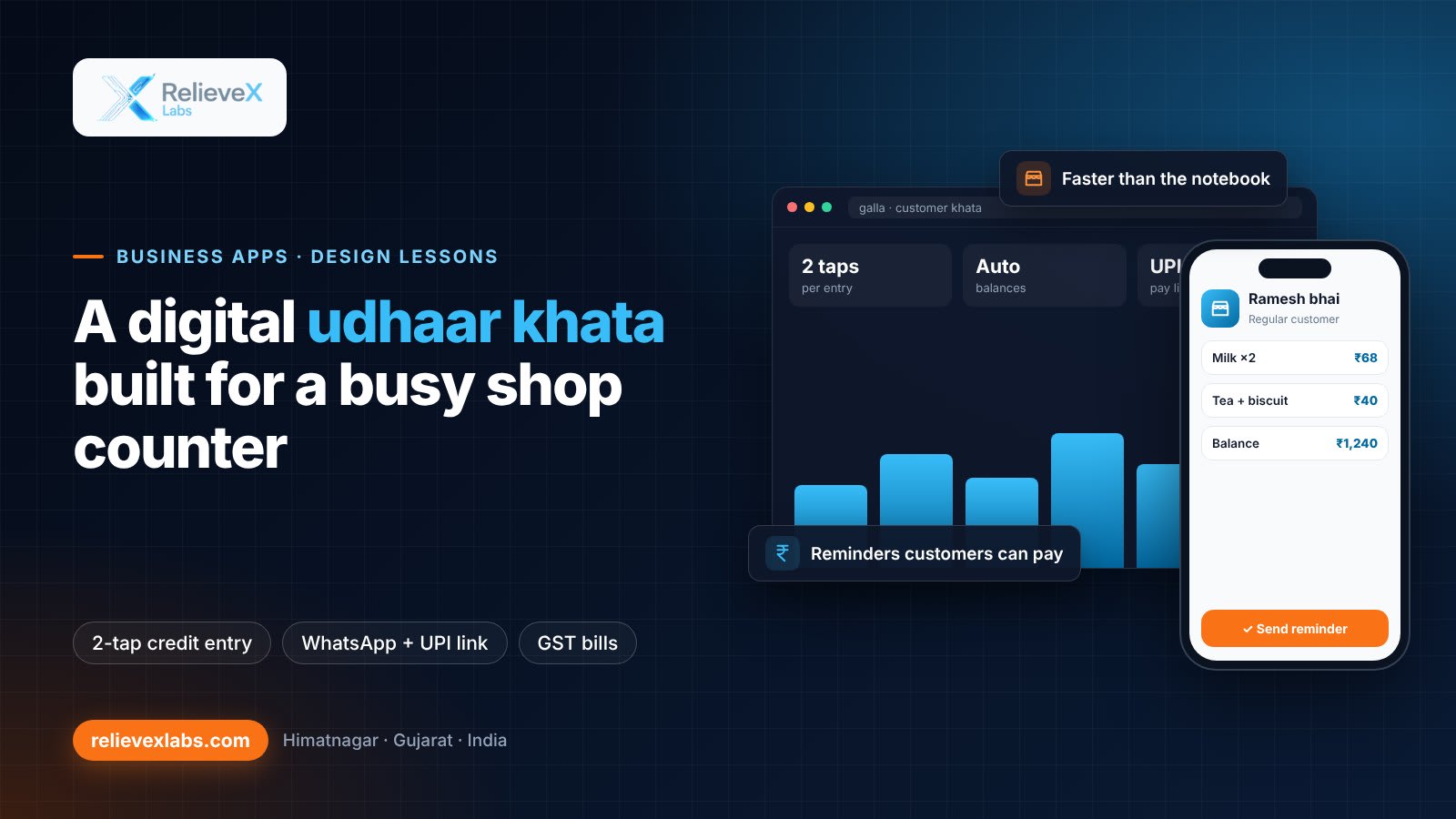
- Two taps for a regular purchase. Tap the customer, tap the item. Quantity and price come from the customer's usual purchase and can be changed only if needed.
- Big targets, short words. Buttons sized for a thumb, labels in the owner's language.
- Nothing extra in the way. Anything that is not needed to record the sale stays out of the main flow.
- Instant feedback. The new balance is shown the moment the entry is saved, so the owner can say it out loud to the customer.
Lesson 2: start from the customer's regular items
Most udhaar is repetitive: the same milk packet, the same cigarette brand, the same tea and biscuits, day after day. Galla keeps a short list of each customer's regular items. Choosing the customer shows those items first, which is what makes the two-tap entry possible. A full product list and a free amount field are still there for everything else.
Lesson 3: payments, part payments and advances are separate entries
Customers rarely pay exactly what they owe. Some pay half at month end, some pay a round number, and some leave an advance before a trip. Galla records each payment as its own entry with a date and method (cash or UPI), and shows the running balance after every line – including a negative balance when the customer has paid in advance. The owner never has to work out "what is left"; the khata page reads like the notebook, only always correctly added.
Lesson 4: a reminder that makes paying easy
Calling customers about money is awkward, and many shop owners simply avoid it. Galla sends a WhatsApp reminder instead, prepared by the app and sent by the owner with one tap. It contains:
- the current balance,
- the most recent bills, so the customer can check them,
- a UPI pay link with the shop's UPI ID, name and the amount already filled in.
On the customer's phone, tapping the link opens their UPI app ready to pay. Turning "please pay" into "tap to pay" removes most of the friction – the customer does not have to find the shop's UPI ID or type an amount.
Lesson 5: let customers see their own khata
Most disputes about udhaar are about memory: "I didn't take that", "I already paid". Galla lets the shop give a customer their own login. The customer sees every shop where they have a khata, each bill and payment, and can pay by UPI. If the shop allows it, the customer can even add a purchase themselves – useful for a family member collecting something on their behalf – and the shop sees it in the khata.
Seeing the same numbers on both sides ends most arguments before they start.
Lesson 6: GST without a second register
Some of Galla's shops are GST-registered. For them, keeping a separate billing tool would mean typing every sale twice. Galla creates numbered tax invoices with CGST and SGST or IGST, HSN codes and a UPI QR from the same entries, and builds a monthly GST summary plus GSTR-1 B2B, B2CS and HSN files for the accountant. Counter sales (cash sales to walk-in customers), purchase bills from suppliers and stock are in the same app, so the owner sees sales, collection and dues together. The approach is similar to the one we describe in our GST invoicing case study: per-line tax, per-rate totals and numbers assigned only to real invoices.
Lesson 7: privacy is part of the design
A khata contains names, phone numbers and how much money people owe – sensitive information in a small town. Bills and PDFs in Galla are generated on demand by the server when someone taps share, sent to the phone and not stored on third-party media. Customer logins see only their own entries, and the shop decides whether customers can add anything.
Lesson 8: speak the shop's language
Galla works in Gujarati, Hindi, Marathi and English. Language is not a translation task at the end of the project; it changes button widths, number formats and how short a label can be. We design screens with the longest language in mind from the start, the same way we did for the Gujarati-first apps described in our article on filling government forms in Gujarati.
What we left out on purpose
Every feature added to the counter screen makes it slower. Our rule was simple: if a feature does not help record the sale in the next few seconds, it belongs on another screen. Things like long customer forms, detailed item setup or confirmation pop-ups after each entry may be useful in a supermarket, but at a pan shop they only push the owner back to the notebook.
The result
A paper udhaar register becomes a fast, correct and shareable khata: credit entries in two taps, correct balances and advances, reminders that customers can pay from, fewer disputes and GST files from the same daily entries. The technology is React Native with Expo on the phone and a Node.js, Express and MongoDB API with Firebase Cloud Messaging – but the success came from watching a real counter for an evening before drawing the first screen.
Planning an app for small businesses? Our mobile app cost guide explains budgets, and you can contact RelieveX Labs to discuss your idea.
Case studies mentioned in this article

Frequently asked questions
What is an udhaar khata app?
It is a digital version of the credit notebook that small shops keep for regular customers. The shop records what each customer bought on credit and what they paid, and the app keeps the balance, sends reminders and shares bills.
How does a UPI pay link in a reminder work?
The reminder contains a UPI payment link with the shop's UPI ID, name and the amount due. When the customer taps it on their phone, it opens their UPI app with the details filled in, so they only have to confirm the payment.
Can customers see their own khata?
In Galla, yes. The shop can give a customer a login, and the customer sees every shop, bill and balance and can pay by UPI. If the shop allows it, a customer can also add their own purchase for the shop to see.
Can a small shop create GST invoices from the same app?
Yes. GST-registered shops in Galla get numbered tax invoices with CGST, SGST or IGST and HSN codes, plus a monthly GST summary and GSTR-1 B2B, B2CS and HSN files built from the same daily entries.
References & further reading
- #udhaar khata app
- #digital ledger
- #UPI payment link
- #WhatsApp reminder
- #GST invoice
- #React Native
- #case study

About the author
Priyank Patel
Founder of RelieveX Labs / RelieveX - IT Solutions · 3+ years experience
Priyank Patel is a Full Stack MERN Developer and Founder of RelieveX Labs, specializing in high-performance web applications, scalable mobile apps, and SEO-driven digital solutions. With expertise in React, Next.js, Node.js, MongoDB, and React Native, he helps businesses build powerful, conversion-focused digital products.
View profile & projects

