
Key takeaways
- AdMob earnings depend on AdMob's own app review and app-ads.txt – not on an AdSense review of a website.
- Publish app-ads.txt at the root of the developer website listed in your Play Store and App Store listings.
- Use Google's test ad units during development and never click your own live ads.
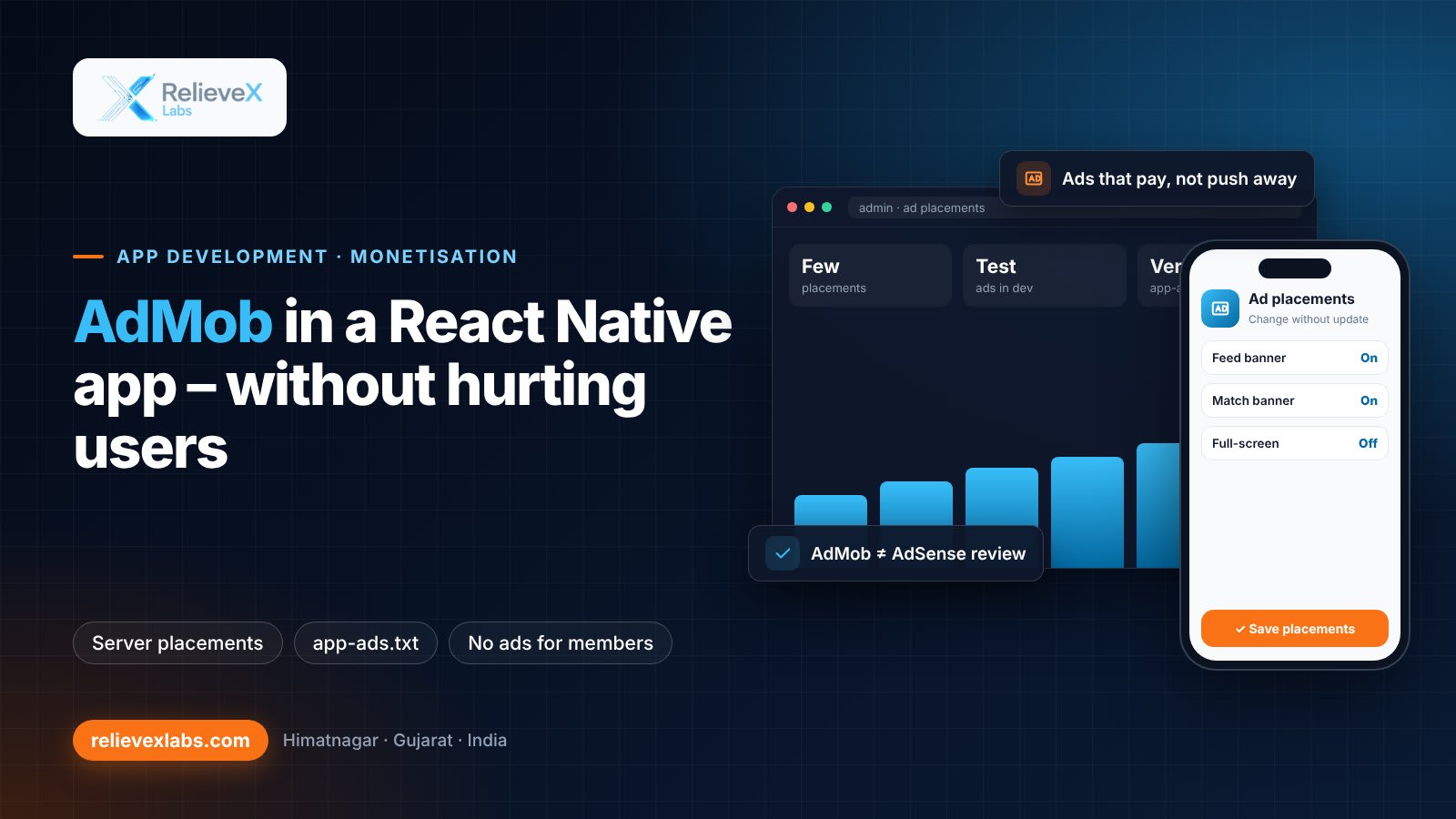
- Keep placements few and predictable, and control them from the server so you can change them without an app update.
- Decide who never sees ads (for example verified members) and enforce it on the server and in the app.
In this article
BAGALEPA is a private community app for a samaj of 22 villages, with a feed, live cricket scoring and family-event tools. Servers, SMS and storage cost money every month, so the founder decided to add Google AdMob. The condition was clear: ads must help pay for the app without making it worse for the people who use it every day.
This article covers how we set it up – and clears up the most common confusion we see, between AdMob approval and AdSense website approval.
First: AdMob is not AdSense
Google has two publisher products that look similar:
| AdMob | AdSense | |
|---|---|---|
| Shows ads in | Mobile apps | Websites |
| Review | App readiness review per app | Site review per website |
| Ownership proof | app-ads.txt on the developer website | Site verification, ads.txt |
| Payments | Through a linked AdSense account | AdSense account |
When you create an AdMob account, Google also creates an AdSense account – but only to send you payments. If you later apply to show AdSense ads on a website and that website is not approved, the email can look alarming. It does not stop your apps from earning through AdMob. Google's own Mobile Ads SDK forum confirms it is completely safe to use AdMob without using AdSense on a website.
What AdMob does need is below.
What AdMob actually checks
- The app is published in Google Play or the App Store and linked to the app in AdMob.
- App readiness review. New apps receive limited ad serving until AdMob has reviewed them.
- app-ads.txt at the root of the developer website listed in the store listing. The file contains one line with your publisher id, for example:
google.com, pub-XXXXXXXXXXXXXXXX, DIRECT, f08c47fec0942fa0. AdMob crawls it and shows "verified" per app. - Payments profile. Address verification and tax and bank details in the linked payments account, so earnings can actually be paid.
- Policy compliance – no invalid clicks, no ads placed to cause accidental taps, and appropriate content.
The most common mistake we see is putting app-ads.txt on a different domain from the one in the store listing, or on a subdomain such as www when the listing uses the bare domain without a redirect. The file must be reachable at exactly the developer website's root.
Installing the SDK in an Expo app
BAGALEPA is an Expo app in the bare workflow, so we use the react-native-google-mobile-ads library with its config plugin. The Android and iOS AdMob app ids go into the plugin settings in app.json, together with the list of SKAdNetwork identifiers for iOS. We also delay app measurement until the app is ready, so no ad tracking starts before the app has decided whether this user should see ads at all.
Because this adds native code, it cannot be shipped as an over-the-air update – it needs a new store build. Our article on Expo OTA updates and force updates explains how we plan those releases.
Test ads only, until release
During development every ad unit uses Google's test ad unit ids. Real ad units are used only in production builds. Never click your own live ads to "check they work" – invalid clicks are the fastest way to get an AdMob account limited or closed. The same goes for asking friends and family to click ads.
Placements controlled from the server
We did not want to decide ad positions once and then wait for app updates to change them. Instead:
- Each possible position in the app – for example below a post in the feed or under the score in a match – has a placement key.
- The server stores which placements are on, which ad unit each uses and how often it may appear.
- The founder turns placements on or off from an admin screen inside the app; the app reads the configuration and shows only what is enabled.
This lets us start with very few ads, watch how people react, and adjust in minutes – without a release.
Rules we set to protect users
- Verified members never see ads, on Android or iOS – the rule is built into the ad component itself, so no placement can forget it.
- No full-screen ads on navigation and no ads that appear while someone waits for content.
- No ads next to important buttons such as score entry, send or pay, where an accidental tap is likely.
- Few placements, always in the same places, so people learn where ads are and can ignore them.
- Our own sponsor cards for local businesses use the same placement system, so village sponsors can be shown alongside or instead of Google ads.
What to expect from earnings
Earnings depend on impressions, the ad formats used and advertiser demand for your audience. For apps whose users are mostly in India, rates per thousand impressions are much lower than in the US or Europe, so AdMob alone rarely pays for an app with a small audience. That is why local sponsorships, which pay more per impression, are part of our plan for community and sports apps.
Our AdMob checklist
- ☐ App published and linked in AdMob (Android and iOS separately)
- ☐ Developer website in both store listings is the domain hosting app-ads.txt
- ☐ app-ads.txt reachable at the root and verified in AdMob
- ☐ SDK installed with correct app ids; new store build released
- ☐ Test ad units in development, real units only in production
- ☐ Placements few, predictable and server-controlled
- ☐ Privacy policy updated to explain advertising and the advertising id
- ☐ Payments profile, tax and bank details completed
The privacy policy and store requirements are covered in our guide to publishing on Google Play and the App Store. If you want ads in your app without driving users away, talk to RelieveX Labs.
Case studies mentioned in this article

Frequently asked questions
Do I need AdSense website approval to earn from AdMob?
No. When you sign up for AdMob, Google creates a linked AdSense account that is used to pay you. Applying separately to show AdSense ads on a website is a different product; a pending or rejected website application does not stop an app from serving AdMob ads.
Where should app-ads.txt be placed?
At the root of the developer website domain listed in your app's Google Play and App Store listings, for example https://yourdomain.com/app-ads.txt. AdMob crawls that file and shows the verification status for each app.
Why does a new app show limited or no ads?
New apps go through AdMob's app readiness review and receive limited ad serving until it is complete. The app must be published in a supported store and linked in AdMob. Fill rates also grow as Google learns about the app's audience.
Which ad formats annoy users the least?
In our experience, a small number of banner or native ads in predictable places annoy users least. Full-screen ads on navigation, ads that appear while the user waits for content, and ads near buttons that cause accidental clicks do the most damage – and some of them can also break AdMob policies.
References & further reading

About the author
Priyank Patel
Founder of RelieveX Labs / RelieveX - IT Solutions · 3+ years experience
Priyank Patel is a Full Stack MERN Developer and Founder of RelieveX Labs, specializing in high-performance web applications, scalable mobile apps, and SEO-driven digital solutions. With expertise in React, Next.js, Node.js, MongoDB, and React Native, he helps businesses build powerful, conversion-focused digital products.
View profile & projects

