

Key takeaways
- OTA updates can only change JavaScript and assets; new native modules, permissions, intent filters and SDK upgrades need a store build.
- Tie updates to a runtime version so an update is never delivered to a binary that cannot run it.
- Control force updates from the server with a minimum version per platform, so you can raise it without shipping code.
- Re-check the update policy when the app returns to the foreground, not only at cold start.
- Keep the backend compatible with old app versions – some phones will never update.
In this article
We build our Android and iOS apps with React Native and Expo, and most of them – including BAGALEPA, MDM Cal and Galla – are live on the stores. Over-the-air (OTA) updates are one of the best reasons to choose Expo: a bug reported in the morning can be fixed for every user by the afternoon, without waiting for store review. But OTA updates have hard limits, and the way you handle the cases they cannot cover decides whether your users stay on a working app.
This is the release setup we use today and the mistakes that shaped it.
What an OTA update can and cannot change
An Expo app has two layers: the native binary installed from the store, and the JavaScript bundle and assets that run inside it. EAS Update can replace only the second layer.
| Change | OTA update? |
|---|---|
| Bug fix in a screen, new text, new layout | Yes |
| New screen using libraries already in the app | Yes |
| Images and fonts bundled with the JavaScript | Yes |
| Adding or upgrading a native library (camera, ads, maps) | No – store build |
| New permission, Android intent filter, iOS entitlement | No – store build |
| App icon, splash configuration, Expo SDK upgrade | No – store build |
The rule of thumb we give developers: if the change touches app.json plugins or native configuration, or adds a package with native code, it is a store release.
Runtime versions keep updates safe
The real danger with OTA updates is sending new JavaScript to an old binary that does not have the native code it needs. The app then crashes on start, and an app that crashes on start cannot download the fix.
Expo solves this with the runtime version. Every build is stamped with one, every update is published for one, and a phone only receives updates for its own runtime version. We set the runtime version to the app version, so the rule is easy to read:
- JavaScript-only fix → publish an update for the current runtime version.
- Native change → raise the app version (and therefore the runtime version), build, submit to the stores.
Phones still on the old binary keep receiving only updates that were built for them. A native change can never reach a binary that cannot run it.
When users must update: a server-controlled gate
Sometimes a store release is not optional: an API changed in a way old versions cannot handle, a security fix lives in native code, or a store policy requires a new SDK. Many users never open the store, so we needed a way to bring them across.
Our force-update system has three parts:
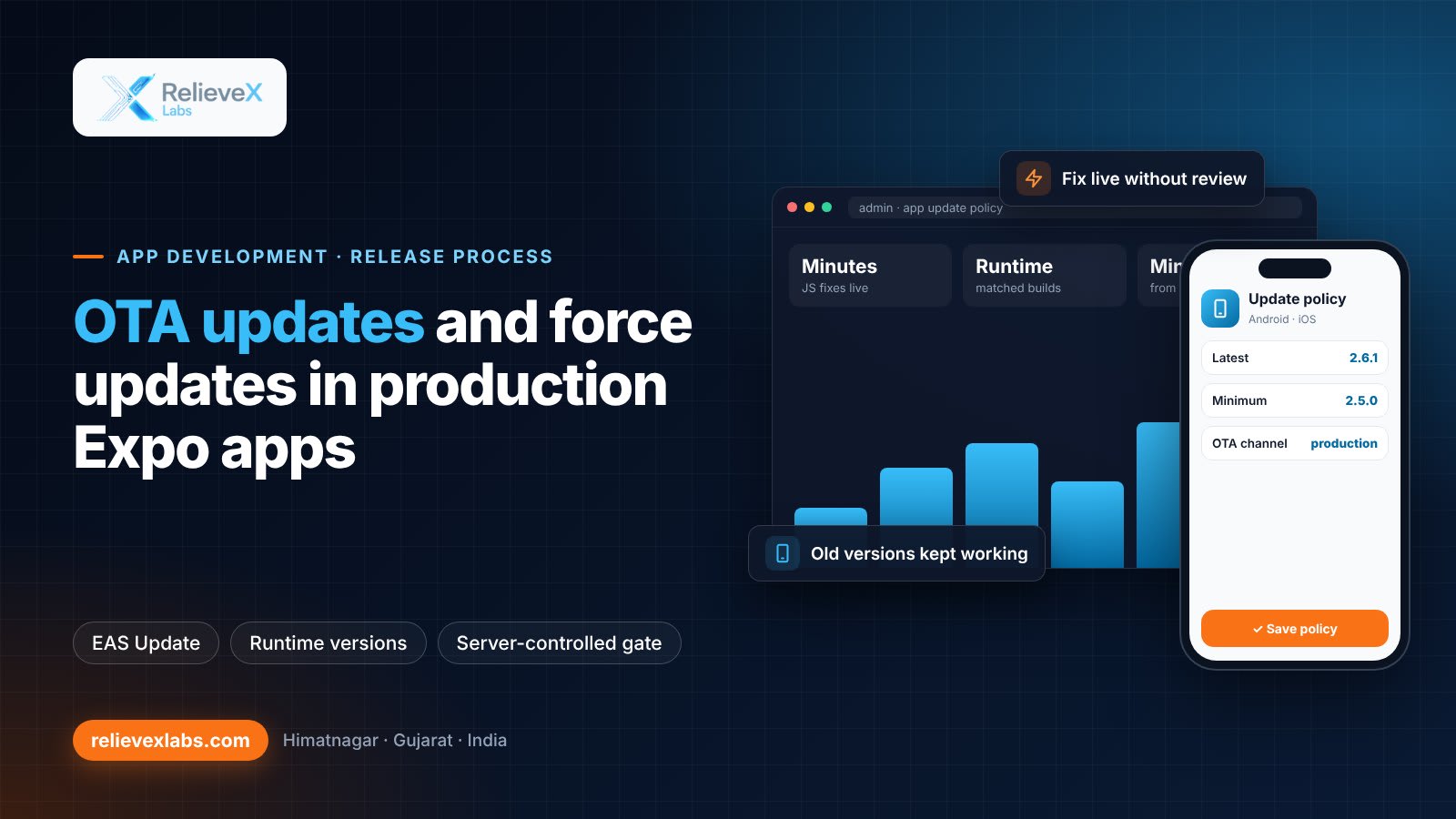
- An update policy on the server. For each platform it stores the latest version, the minimum supported version, a message and the store link. The founder can change it from an admin screen – no code, no release.
- A check in the app. At start, the app compares its installed version with the policy. Below the minimum, it shows a full-screen update gate with one button to the store, so an unsupported version cannot be used by mistake.
- A re-check on foreground. People leave apps open for days. We check again whenever the app returns to the foreground, so raising the minimum takes effect without a restart.
Two implementation details saved us from bugs. First, the version must be read from the native build (for a bare workflow app on Android, the versionName in the Gradle file), not from a constant in JavaScript – an OTA update would otherwise "upgrade" the version without upgrading the binary. Second, any native module used by the gate is loaded defensively, so an old binary without that module shows a simple fallback instead of crashing.
Keep the backend kind to old versions
Even with a gate, there will always be phones on old versions: people without storage space, people who only open the app once a month, and the minutes between a release and a user tapping "Update". Our APIs follow a few rules:
- Add fields, do not rename them. New app versions read new fields; old versions ignore them.
- Accept old request shapes. If a request format changes, the server accepts both for a long time.
- Default sensibly. A missing new setting from an old app gets a safe default instead of an error.
- Raise the minimum version last. Only after most users have moved – and only when the old version really cannot work.
Our release routine
- Fix and test in a development build.
- Decide: JavaScript only, or native change?
- JavaScript only: publish an EAS Update to the production channel for the current runtime version, then open the app on a real phone and confirm the update arrived.
- Native change: raise the version, build with EAS Build, submit to Google Play and App Store, release in stages, and raise the minimum version on the server only if old versions must stop.
- Watch crash reports for the first day after every release.
Mistakes worth avoiding
- Publishing an OTA update that needs a new native module. Runtime versions prevent this if you use them; skipping them is how apps get stuck in a crash loop.
- Changing Android intent filters in an OTA release. Deep links only change with a new binary – plan link changes for the next store build. (We explain deep links in our article on share links that open the app.)
- Forcing updates too early. A force update the day after release punishes users whose store has not even shown the new version yet.
- Forgetting the yearly target API update. Google raises the minimum Android API level every year; apps that miss it cannot publish updates. Our publishing checklist covers this.
OTA updates make small teams fast, and a server-controlled gate makes them safe. If you have an app that is hard to update or keeps breaking for older users, RelieveX Labs can help set up a release process that works.
Case studies mentioned in this article

BAGALEPA – Leuva Patidar Samaj App | Community Feed, Live Cricket Scoring & Challo Register
Community App
Read case study
MDMCal – Mid-Day Meal Register & PM POSHAN Stock App for Schools
Education
Read case study
Galla – Udhaar Khata App for Shops in India | Digital Ledger, GST Billing & WhatsApp Reminders
Retail & Small Business
Read case studyFrequently asked questions
What is an OTA update in Expo?
An over-the-air update downloads new JavaScript and assets for an already installed app, without going through Google Play or App Store review. With Expo it is delivered by EAS Update and applied the next time the app starts (or immediately, if the app asks for it).
Which changes cannot be shipped over the air?
Anything that changes the native binary: adding or upgrading a native library, changing permissions, Android intent filters or iOS entitlements, the app icon or splash configuration, and Expo SDK upgrades. These require a new build submitted to the stores.
How do you force users to update the app?
The app asks the server for an update policy that contains a minimum supported version for Android and iOS. If the installed version is lower, the app shows a full-screen update screen with a button to the store listing. Because the minimum is stored on the server, it can be raised without a new release.
Are OTA updates allowed by Google Play and the App Store?
Both stores allow interpreted code updates such as JavaScript bundles as long as they do not change the app's primary purpose or bypass review for new features that would violate store policies. Bug fixes and small improvements are the typical use.
References & further reading

About the author
Priyank Patel
Founder of RelieveX Labs / RelieveX - IT Solutions · 3+ years experience
Priyank Patel is a Full Stack MERN Developer and Founder of RelieveX Labs, specializing in high-performance web applications, scalable mobile apps, and SEO-driven digital solutions. With expertise in React, Next.js, Node.js, MongoDB, and React Native, he helps businesses build powerful, conversion-focused digital products.
View profile & projects

