

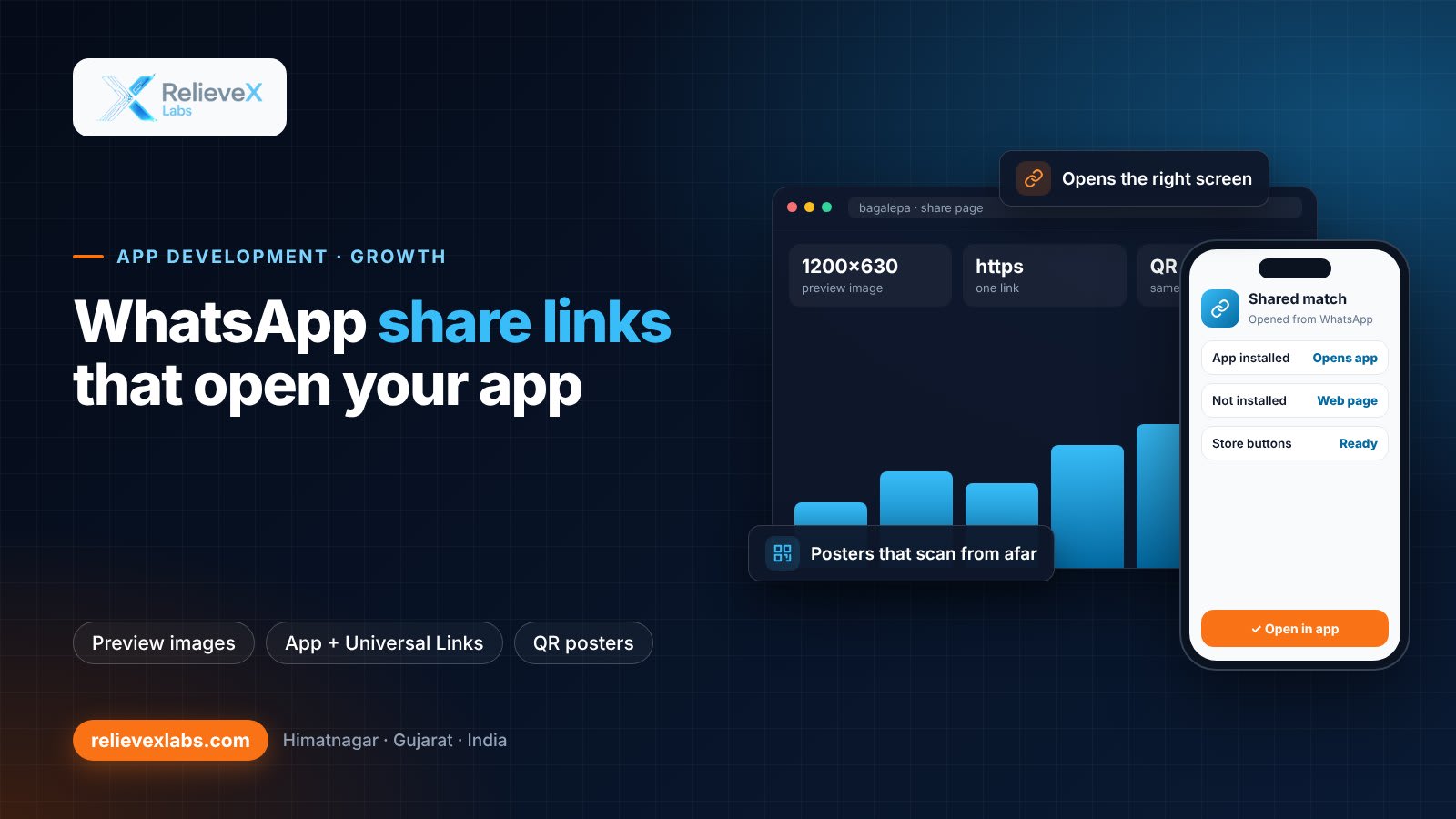
Key takeaways
- Every shareable thing in the app should have a real https URL with its own page on your website.
- WhatsApp builds the preview from Open Graph tags – give each page its own title, description and a 1200×630 image.
- Android App Links need an assetlinks.json file and verified intent filters; iOS Universal Links need an apple-app-site-association file and the associated domains entitlement.
- Both are native settings – they change only with a new store build, not with an OTA update.
- When the app is not installed, the link must still show useful content and clear install buttons.
In this article
For most apps we build in Gujarat, growth does not come from ads or app-store search. It comes from someone forwarding a link in a WhatsApp group: a live cricket score, a post, a player profile, a wedding mandap map. In BAGALEPA almost everything can be shared, so we spent real effort making those links work well. A good share link does three jobs:
- It looks inviting in the chat – a title and a preview image, not a bare URL.
- It opens the right screen in the app when the app is installed.
- It shows a useful web page with install buttons when the app is not installed.
Step 1: give every shareable thing a real URL
Custom schemes such as myapp://match/123 look like a shortcut, but they fail in exactly the places that matter: WhatsApp does not make them tappable reliably, they show no preview, and they do nothing for people without the app. So every shareable item gets a normal https address on our domain – for example a match, a tournament, a post or a profile – and a server-rendered page behind it.
Step 2: preview images with Open Graph
When someone pastes a link, WhatsApp fetches the page and reads its Open Graph tags. Each share page therefore returns, in its server HTML:
og:title– for a match, the two teams and the tournament,og:description– the current score or a short summary,og:image– an absolute https URL to a 1200×630 image,og:urlandog:type.
The image is the part people notice. Our server draws share cards on the fly – team names, score and branding for a match, a photo and name for a profile – and caches them. Keep these images reasonably small: very large images are sometimes skipped by chat apps.
One practical warning: WhatsApp caches previews. If a preview was wrong when a link was first shared, adding a harmless query parameter to the link forces a fresh preview while you test.
Step 3: open the app directly – Android App Links
On Android, an https link opens your app directly only if the app declares it and the website confirms it:
- The app's intent filters list the domain and the path patterns it can handle, with automatic verification turned on. In an Expo app these live in the Android section of
app.json. - The website serves
/.well-known/assetlinks.json, listing the app's package name and its signing certificate fingerprint. Use the fingerprint of the key Google Play signs with, not only your upload key.
When both match, Android opens the app straight to the screen without asking. When they do not, Android shows a chooser or opens the browser – which is why a typo in the fingerprint looks like "links just don't work".
Intent filters are part of the native build. Adding a new path – say, mandap maps – means a new store release; an over-the-air update cannot change it. We plan link changes together with native releases, as described in our article on OTA updates.
Step 4: iPhone – Universal Links
iOS works the same way with different files: the app has the associated domains entitlement for your domain, and the website serves /.well-known/apple-app-site-association with your Apple Team ID and bundle id plus the paths the app handles. The file must be served over https without redirects. As on Android, the entitlement lives in the native build.
Step 5: route the link inside the app
Opening the app is only half the job; it must land on the right screen. Our navigation has a linking configuration that maps URL patterns to screens – a match URL to the Match Center, a profile URL to the profile. Two cases need extra care:
- Cold start. If the app was closed, it must finish loading the user session before showing the linked screen, and keep that screen when the session check completes.
- Logged-out users. Public content such as a live score should open even for guests; private content asks the user to log in and then continues to the linked screen.
Step 6: a fallback page that is worth visiting
Many people who tap a shared link do not have the app yet. For them the link opens our web page, and that page must be useful on its own: the live score, the post or a simplified map – plus clear Google Play and App Store buttons. On Android we can also offer an "Open in app" button for people who have the app but opened the link in an in-app browser. A fallback that only says "download our app" wastes the most valuable visitor you will get.
Step 7: QR posters for the real world
A QR code is just the same https link. For events and tournaments we generate a poster with a large, high-contrast QR and a short instruction, plus a print-ready PDF. Scanned with any phone camera, it opens the app if installed and the web page otherwise. Use a high error-correction level and a quiet border around the code so it still scans when printed on a flex banner and viewed from a distance.
Checklist
- ☐ An https URL and server-rendered page for every shareable item
- ☐ Open Graph title, description and a 1200×630 image on each page
- ☐ Android intent filters with verification + assetlinks.json with the Play signing fingerprint
- ☐ iOS associated domains + apple-app-site-association with the Team ID
- ☐ In-app routing for cold start, guests and logged-in users
- ☐ A fallback page with real content and store buttons
- ☐ QR posters that use the same link
Share links power the live scores described in our cricket scoring article – a single forwarded link can bring hundreds of viewers to a village match. If your app needs links that people actually tap, RelieveX Labs can help.
Case studies mentioned in this article

Frequently asked questions
Why does my link show no image when shared on WhatsApp?
WhatsApp reads Open Graph tags from the page's HTML. The page needs og:title, og:description and an og:image with an absolute https URL, ideally a 1200×630 JPG or PNG of reasonable size. The tags must be in the HTML returned by the server, not added later by JavaScript.
What is the difference between a deep link and an App Link?
A deep link is any link that opens a specific screen in an app, including custom schemes like myapp://. Android App Links and iOS Universal Links are normal https links that the operating system verifies against your website, so they open the app directly when installed and the website otherwise.
Can deep links be changed with an over-the-air update?
The screen a link opens can be changed in JavaScript, but the list of domains and paths the phone hands to your app is part of the native build. Adding a new domain or path pattern needs a new store release.
How do QR posters fit in?
A QR code simply contains the same https link. Scanning it with the phone camera opens the app if installed or the web page with install buttons if not, so one poster works for everyone.
References & further reading

About the author
Priyank Patel
Founder of RelieveX Labs / RelieveX - IT Solutions · 3+ years experience
Priyank Patel is a Full Stack MERN Developer and Founder of RelieveX Labs, specializing in high-performance web applications, scalable mobile apps, and SEO-driven digital solutions. With expertise in React, Next.js, Node.js, MongoDB, and React Native, he helps businesses build powerful, conversion-focused digital products.
View profile & projects

