

Key takeaways
- Never make users copy figures into a second format: store the daily data once and print every official format from it.
- Use coordinate layouts on the original PDF for fixed government forms, with a preview grid so an admin can fine-tune positions.
- Fill Word and Excel formats inside the document itself, then convert to PDF with headless LibreOffice.
- Gujarati and other Indic scripts need text shaping; render Gujarati text through an engine that shapes it (LibreOffice with Noto Sans Gujarati), not glyph by glyph.
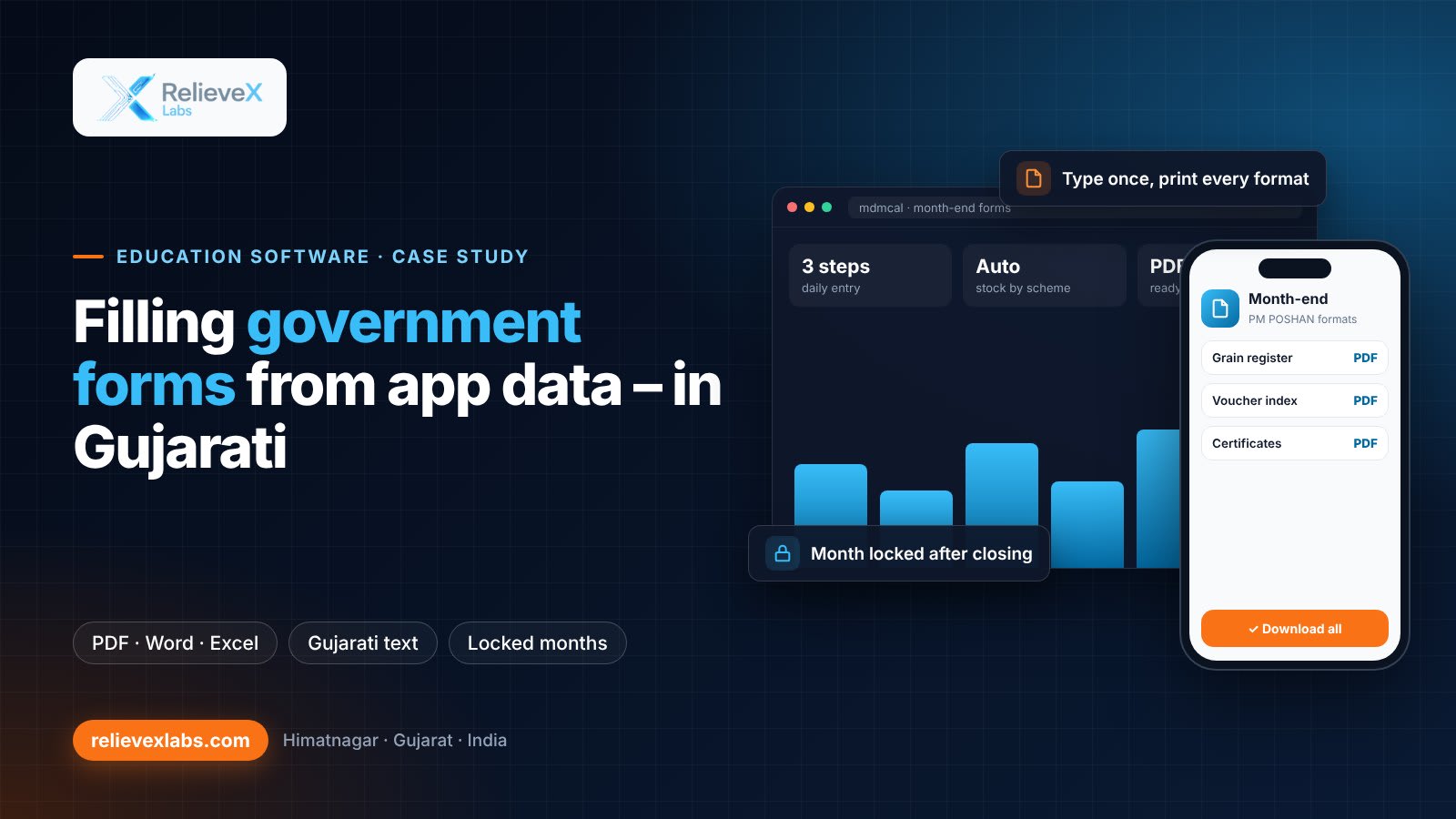
- Lock a month after closing and keep a history of every correction – official registers must not change silently.
In this article
- Principle: type it once, print it everywhere
- Three kinds of formats, three techniques
- PDF formats: coordinate layouts
- Word and Excel formats: fill inside the document
- The Gujarati problem
- Months that cannot change by accident
- Performance and reliability tips
- Built for teachers, published on Google Play
- Where else this approach works
Every government primary school in Gujarat that runs the mid-day meal keeps a daily register: how many students came and how many ate, split by category and by boys and girls, separately for Std 1–5 and Std 6–8. From those numbers the school works out the rice, wheat, dal, oil, salt and fuel used, keeps a stock account for each scheme, and at month end copies everything again into printed formats – grain register, vouchers, voucher index, certificates and a centre information sheet.
Our client Digital Services saw teachers losing hours to this every month, writing the same figures three or four times. Together we built MDM Cal, an Android app with a Node.js and MongoDB backend. This article is about its most unusual part: a form engine that prints the official formats directly from the app's data, in Gujarati.
Principle: type it once, print it everywhere
The biggest time saving did not come from a clever screen. It came from refusing to let anyone type the same number twice. The teacher records the day in three short steps – food, who came, who ate – and the app does the rest:
- adds the totals by category and gender,
- reduces the right quantity of each item from the right scheme's stock using the dish recipe and per-student rates for each standard,
- skips stock on holidays, Sundays and donor (Tithi Bhojan) days,
- credits monthly quotas on their day and warns before stock runs out.
Once that daily data is correct, every month-end format is just a different view of it. The form engine's only job is to put those values in the right boxes.
Three kinds of formats, three techniques
| Format received | How we fill it | Output |
|---|---|---|
| PDF (often a scan) | Values placed at coordinates on top of the original page | |
| Word (.docx) | Placeholders replaced inside the document | PDF via LibreOffice |
| Excel (.xlsx) | Cells filled inside the workbook | PDF via LibreOffice |
PDF formats: coordinate layouts
Many government formats exist only as a PDF, sometimes a scanned one with no form fields at all. For these, the blank form becomes the background page and every value is drawn at fixed coordinates. A layout is simply a list of fields with a page number, x and y position, font size and alignment.
Getting coordinates right by guessing is painful, so the admin panel has a preview grid: the blank form with a measurement grid over it and the values already placed. An admin can nudge a field by a few points and see the result immediately. Ready layouts exist for the Gujarat PM POSHAN forms, so most schools never touch this screen.
Word and Excel formats: fill inside the document
Some offices share their formats as Word or Excel files. Converting those to PDF first and drawing on top would throw away their tables and fonts. Instead we fill the document itself – placeholders in Word, cells in Excel – and then convert the finished file to PDF with LibreOffice running headless on the server. The output looks exactly like the office's own file, because it is the office's own file.
The Gujarati problem
Gujarati is a complex script. Consonants join into conjuncts, and some vowel signs are written before the consonant they follow in the text. Software that places characters one at a time, without a shaping engine, prints the right letters in the wrong shape or order. Numbers look fine, which is why this bug often survives testing with sample data.
What worked for us:
- Use a font made for the script. We use Noto Sans Gujarati everywhere, installed on the server so LibreOffice can find it.
- Let a shaping engine render Gujarati text. Documents converted by LibreOffice are shaped correctly. Formats with a lot of Gujarati wording are therefore best handled as Word or Excel templates.
- Keep coordinate layouts mostly numeric. On scanned PDFs the printed form already contains the Gujarati labels; the app mostly adds numbers, dates and short codes.
- Test with real words. Use school and village names with conjuncts in test data, not only "Test School 1" – numbers alone will never reveal a shaping bug.
Months that cannot change by accident
Official registers must not change silently after they have been submitted. MDM Cal handles this in two ways. First, if a teacher forgets a day, a night job closes it automatically so the stock account never has a hole; the teacher can still correct it, and every change is saved in the day's history with who made it and when. Second, when a month is closed it is locked, and the PDFs downloaded for that month will always show the same figures.
Performance and reliability tips
If you build something similar, plan for the cost of conversion. LibreOffice conversions are much heavier than drawing on a PDF, so run them one at a time with a timeout rather than letting many requests start LibreOffice together, and ignore a second tap on "download" while the first file is still being prepared. Generating files on demand from the stored data, instead of keeping a copy for every school and month, keeps storage small and guarantees that a corrected figure appears in the next download.
Built for teachers, published on Google Play
The app is fully Gujarati and English, with big buttons and plain words, because the MDM in-charge is a teacher with many other duties. It was prepared for Google Play with a privacy policy, account deletion in the app and on the web, a not-a-government-app notice and only the camera and notification permissions – the checklist from our guide to publishing on Google Play and the App Store. Admins see which centres are up to date, which need stock and which plans are ending, district by district.
Where else this approach works
The same "type once, print every format" idea applies far beyond mid-day meals: school registers and certificates (see our school management software guide), cooperative society forms, GST summaries in small-business apps like Galla, and any office that still copies figures from one register into another. If your team spends days filling the same numbers into official formats, talk to us – there is usually a much shorter way.
Case studies mentioned in this article

Frequently asked questions
Why does Gujarati text sometimes look broken in generated PDFs?
Gujarati letters combine into conjuncts and vowel signs change position. A PDF library that places characters one by one, without a shaping engine, prints them in the wrong order or shape. Rendering the text through software that shapes complex scripts, such as LibreOffice with a Gujarati font like Noto Sans Gujarati, fixes this.
Can an app fill a form that only exists as a scanned PDF?
Yes. The blank form is used as the background page and every value is placed at fixed coordinates on top of it. A preview grid helps align values with the boxes printed on the form.
Is MDM Cal a government app?
No. MDM Cal is built by RelieveX Labs for our client Digital Services to help schools keep their mid-day meal records. It shows a clear not-a-government-app notice and prints the formats that schools already submit.
What happens if a teacher forgets to enter a day?
A night job closes the day automatically, and the teacher can correct it later. Every correction is saved in the day's history, and a month is locked once it is closed.
References & further reading

About the author
Priyank Patel
Founder of RelieveX Labs / RelieveX - IT Solutions · 3+ years experience
Priyank Patel is a Full Stack MERN Developer and Founder of RelieveX Labs, specializing in high-performance web applications, scalable mobile apps, and SEO-driven digital solutions. With expertise in React, Next.js, Node.js, MongoDB, and React Native, he helps businesses build powerful, conversion-focused digital products.
View profile & projects

